Keeping social media active can feel like a full-time job. There is always another Instagram post to create, another video to film, another product to photograph and another campaign that needs fresh creative.
For brands and businesses, the challenge is often not knowing what to post. It is having enough high-quality content to maintain a consistent presence. This is where a content studio in Nottingham can change the way you approach content creation.
Instead of creating individual pieces of content whenever you need them, you can plan a dedicated content shoot and produce multiple assets in one session.
What is a content studio?
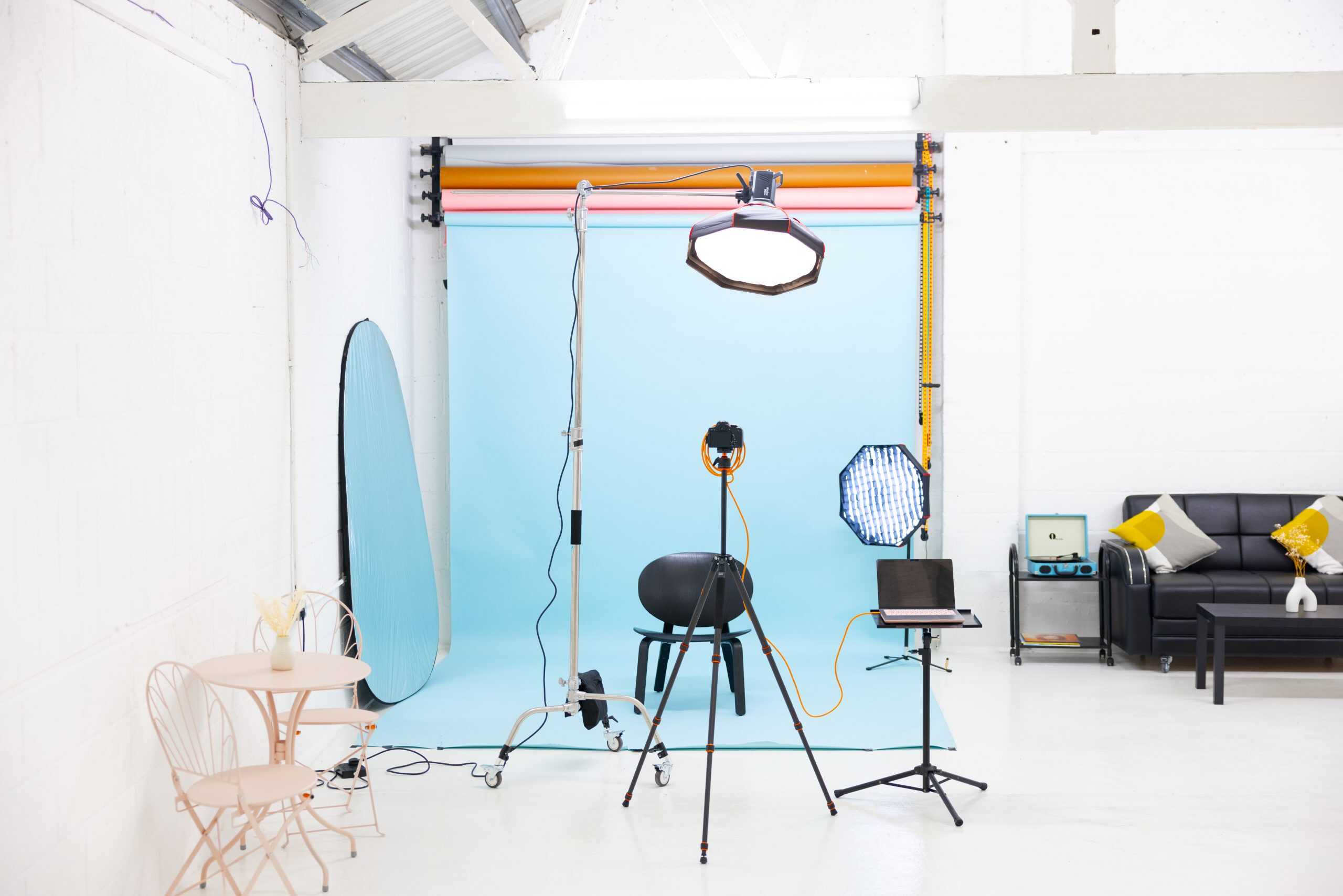
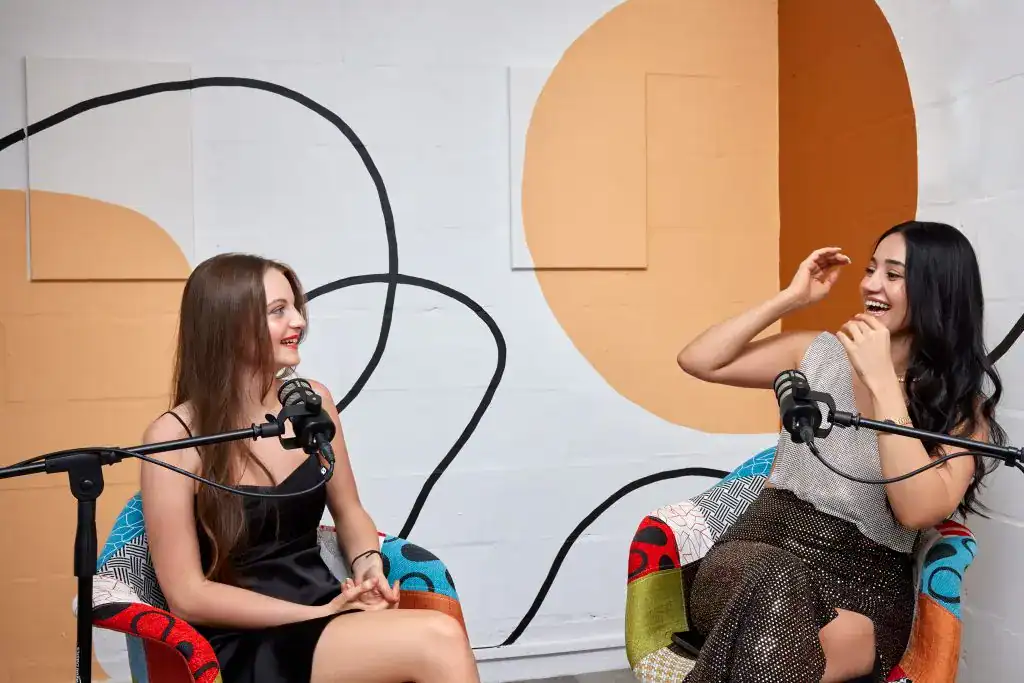
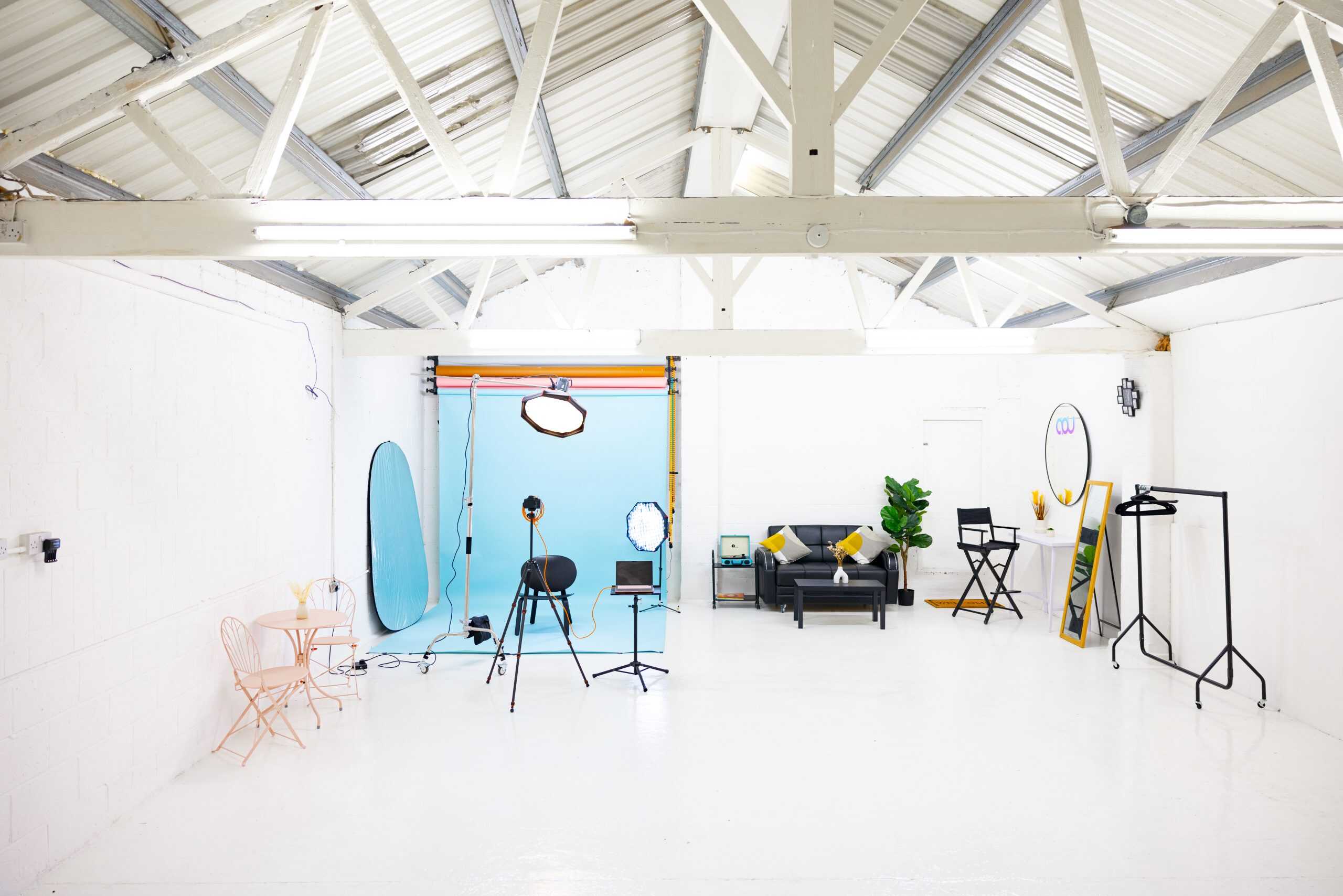
A content studio is a dedicated creative space designed for producing visual content such as photographs, short-form videos, social media campaigns, product content, personal branding material and other digital assets.
Unlike a traditional photography studio focused primarily on still images, a content studio can be used to create different formats during the same session. For brands, this means one booking can potentially produce content for several weeks rather than a single social media post.
Start with your content calendar
Before booking a content studio, look at your upcoming content. What does your brand need over the next four weeks? You might need:
- Instagram Reels
- TikTok videos
- Product photography
- Website images
- LinkedIn content
- Promotional graphics
- Behind-the-scenes footage
- Educational videos
- Personal branding photographs
- Campaign assets
Instead of approaching the shoot with a vague idea of “getting some content”, create a list of the actual assets you need. This gives your shoot a purpose.
Create content around different pillars
One of the easiest ways to avoid repetitive social media content is to organise your shoot around different content pillars. For example, a service-based business could create content around:
Education
Film short videos answering common customer questions, explaining your process or sharing useful tips.
Brand story
Capture photographs and videos that communicate who you are, what your business does and what makes your approach different.
Products or services
Create polished visuals showing your products, services or the experience customers can expect.
Behind the scenes
Give your audience a look at your team, creative process, workspace or preparation.
Social proof
Create content that supports testimonials, customer stories, case studies or successful projects.
This gives you variety while keeping everything connected to the brand.
Plan multiple looks
You don’t need a completely different location for every piece of content. Instead, think about how you can create different looks within the same studio. Changing outfits, props, camera angles, backgrounds and lighting can make your content feel like it was produced across different sessions.
For example, one shoot could include a polished professional look for LinkedIn, a more relaxed outfit for Instagram, product-focused imagery and several short-form video setups. The key is to plan these changes before arriving at the studio.
Film short-form video in batches
If your brand relies heavily on Instagram Reels, TikTok or other short-form video, batching can make content creation much easier. Rather than setting up your camera every time you need to post, prepare several scripts or talking points and film them during one dedicated session. You could record:
- Educational videos
- FAQs
- Product demonstrations
- Industry tips
- Founder-led videos
- Behind-the-scenes clips
- Promotional videos
- Trend-led content
Having several videos ready means you are not constantly starting from zero.
Capture photography at the same time
Don’t limit your studio session to video. Once your lighting and setup are ready, use the same session to capture still photography. These images can be used across your website, social media, email marketing, advertisements and other brand communications. A few different poses and compositions can give you a substantial library of visual assets.
Build a shot list
A shot list keeps the session focused. Divide your list into categories rather than writing down individual photographs randomly. For example:
- Brand portraits: professional headshots, working shots and relaxed portraits.
- Product content: product close-ups, lifestyle images and detail shots.
- Video: talking-head videos, demonstrations and short-form content.
- Social media: vertical images, candid photographs and promotional assets.
This makes it easier to track what has been captured and identify anything you still need before the session ends.
Bring props and brand assets
Small details can completely change a piece of content. Bring relevant products, packaging, stationery, clothing, props or other brand assets that can appear naturally within your photographs and videos. If your brand has specific colours, textures or visual elements, consider how they can appear within the set.
The objective isn’t to fill the studio with random props. Everything should support the brand or the story you are trying to tell.
Use one shoot for different platforms
Your content shouldn’t be created for only one platform. A single concept can often be adapted into different formats. For example, a founder talking about a common customer problem could become:
- A vertical Instagram Reel
- A TikTok video
- A LinkedIn post
- A quote graphic
- A blog topic
- A carousel
- A short email
The original shoot becomes the starting point for multiple pieces of content.
Repurpose your best content
Creating a month’s worth of content doesn’t mean producing 30 completely different ideas. One strong idea can become several pieces of content. A longer educational video could be edited into several short clips. A photoshoot can produce portraits, detail shots and social media graphics. A customer question can become a video, carousel and blog topic.
This approach allows brands to get more value from every studio session.
Create a production schedule
Once you know what you want to capture, give the shoot a schedule. For example:
- Setup 1: Brand portraits
- Setup 2: Educational videos
- Setup 3: Product photography
- Setup 4: Founder-led content
- Setup 5: Behind-the-scenes footage
Group similar content together so you aren’t constantly changing equipment and lighting. A well-organised schedule means more time creating and less time deciding what to shoot next. For more on running order, read how to plan a multi-format content day.
Why use a content studio in Nottingham?
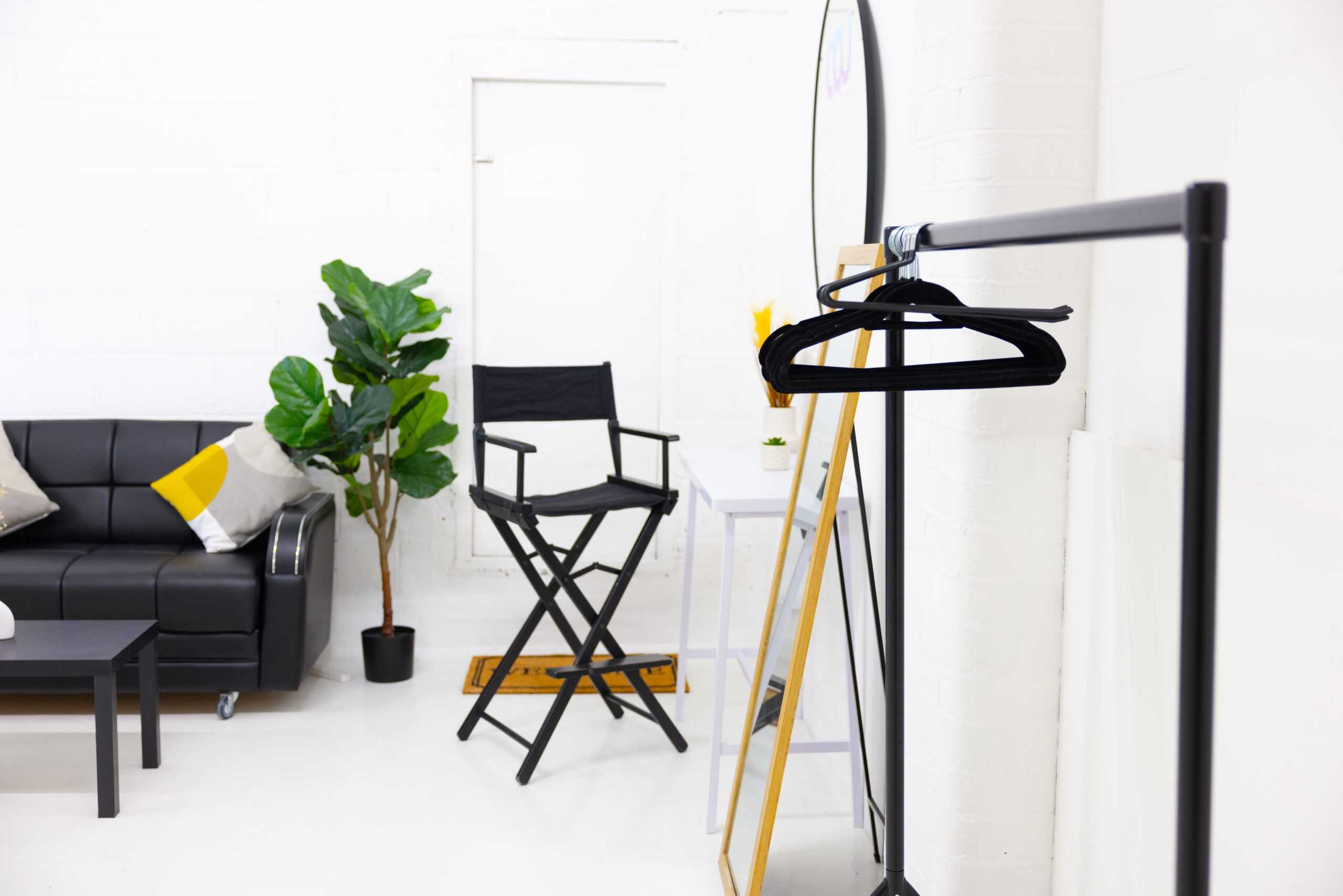
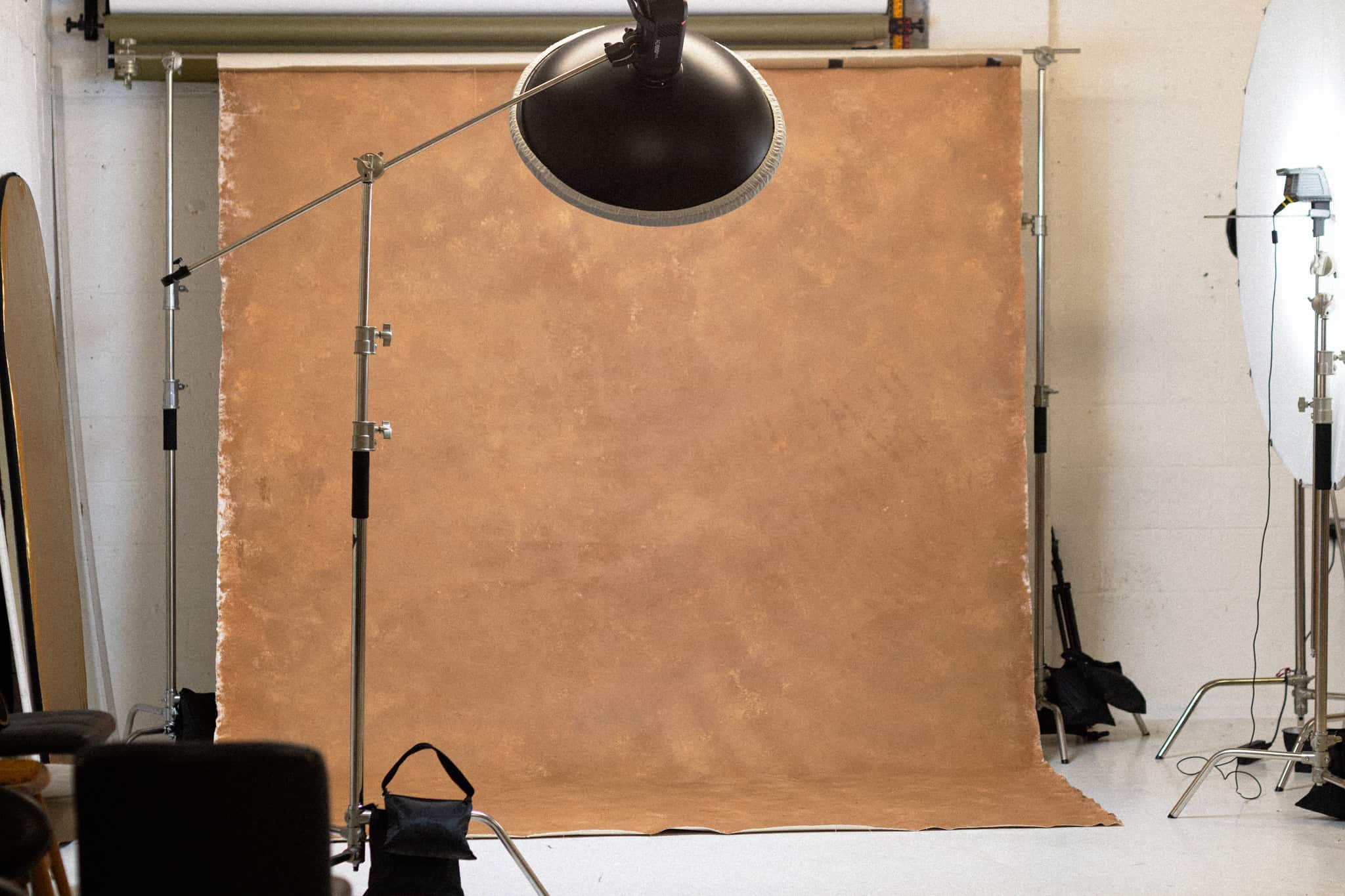
A dedicated content studio gives brands a controlled environment for producing consistent, professional visual content. Instead of relying on home offices, changing locations or last-minute setups, you have a space specifically designed for content production. For businesses creating content regularly, this makes the production process more structured and easier to repeat.
Turn one shoot into a content system
The real value of a content shoot isn’t simply the number of photographs or videos you leave with. It is what those assets allow you to do afterwards. A well-planned session can give your marketing team a library of visuals that can be scheduled, repurposed and adapted across multiple platforms.
That means less pressure to create something from scratch every week and more opportunity to maintain a consistent visual identity.
Create more with your next studio session
AOU Studio provides flexible creative spaces for brands, businesses and content creators looking for a professional content studio in Nottingham.
Whether you’re building a personal brand, launching a campaign, producing social media content or refreshing your visual library, planning your shoot around multiple content pillars can help you get significantly more from your studio time.
Before your next booking, don’t just ask, “What do we want to shoot?” Ask, “How much content can we create from this one session?” That change in approach can turn a single studio booking into weeks of usable brand content.
Ready to create more content from one shoot? Bring your next content day to AOU Studio and create professional photos, videos and social media assets in one dedicated space. Explore the content studio and plan your next session.
Frequently asked questions
How much social media content can I create in one studio session?
There is no fixed number because it depends on your shoot length, team, content formats and preparation. With a clear shot list and batching strategy, one session can produce a substantial library of photographs and videos.
What should I bring to a content studio?
Bring anything that supports your content plan, including products, outfits, props, brand materials and any equipment you need. Prepare your scripts, shot list and content ideas before the shoot.
Is a content studio suitable for small businesses?
Yes. Small businesses can benefit from batching content because it creates a bank of assets that can be used across social media, websites, email marketing and other channels.
Can I create both photos and videos during one studio booking?
Yes, provided the studio setup and booking allow for both. Planning your photography and video requirements in advance helps you use your time efficiently.
How often should a business book a content studio?
This depends on your content strategy and how frequently you publish. Some businesses benefit from monthly content sessions, while others prefer quarterly shoots with content planned and repurposed over a longer period.